


Model
Google Veo 3.1
Google Veo 3.1 is a Text-to-Video for professional applications.
· Preview / betaAvailability in tools
Image to Video
Transform static images into moving videos
Costs and variants
- 4 Sekunden · ohne Ton160 credits
- 6 Sekunden · ohne Ton240 credits
- 8 Sekunden · ohne Ton320 credits
- 4 Sekunden · mit Ton320 credits
- 6 Sekunden · mit Ton480 credits
- 8 Sekunden · mit Ton640 credits
Available settings
- Aspect ratio
- 16:9, 9:16Default: 16:9
This tool requires an account.
Text to Video
Describe a scene and turn it into an AI-generated video.
Costs and variants
- 4 Sekunden · ohne Ton160 credits
- 6 Sekunden · ohne Ton240 credits
- 8 Sekunden · ohne Ton320 credits
- 4 Sekunden · mit Ton320 credits
- 6 Sekunden · mit Ton480 credits
- 8 Sekunden · mit Ton640 credits
Available settings
- Aspect ratio
- 16:9, 9:16Default: 16:9
This tool requires an account.
Prices apply to the listed variants on myai.art. Additional features and dynamically priced tasks may require more credits.
View credit packagesCompare alternatives
These figures compare available settings and prices on myai.art. Output quality depends on the subject and task.

Kling 2.5 Turbo Pro
Kling AI
- Input
- Image, Text
- Output
- Video

P-Video 2 Pro
Pruna AI
- Input
- Text, Image
- Output
- Video
Costs and variants
5 Sekunden · 768p Speed · 35 credits; 10 Sekunden · 768p Speed · 70 credits; 15 Sekunden · 768p Speed · 105 credits; 5 Sekunden · 768p Quality · 75 credits; 10 Sekunden · 768p Quality · 150 credits; 15 Sekunden · 768p Quality · 225 credits
Image to Video
Wan 2.2 I2V Fast
Alibaba / Wan
- Input
- Image, Text
- Output
- Video
Costs and variants
5 Sekunden · 480p · 50 credits; 10 Sekunden · 480p · 95 credits; 5 Sekunden · 720p · 90 credits; 10 Sekunden · 720p · 160 credits
Image to VideoWAN 2.5 Image-to-Video
Alibaba / Wan
- Input
- Image
- Output
- Video
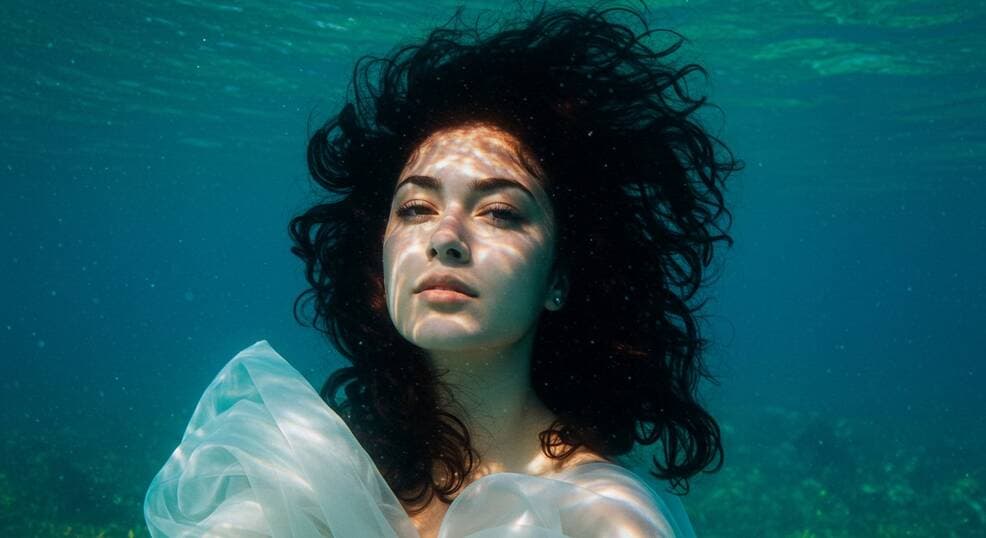
Examples from our tools
These published examples show the tool workflow. They are not attributed to a specific model and are not a model comparison.
Limits and practical guidance
Video models can change details between frames. A source image does not determine every movement; start with the shortest suitable variant.