Skip to content
myai.art
... Credits

RestoreOld Photos

Restore old and damaged photos

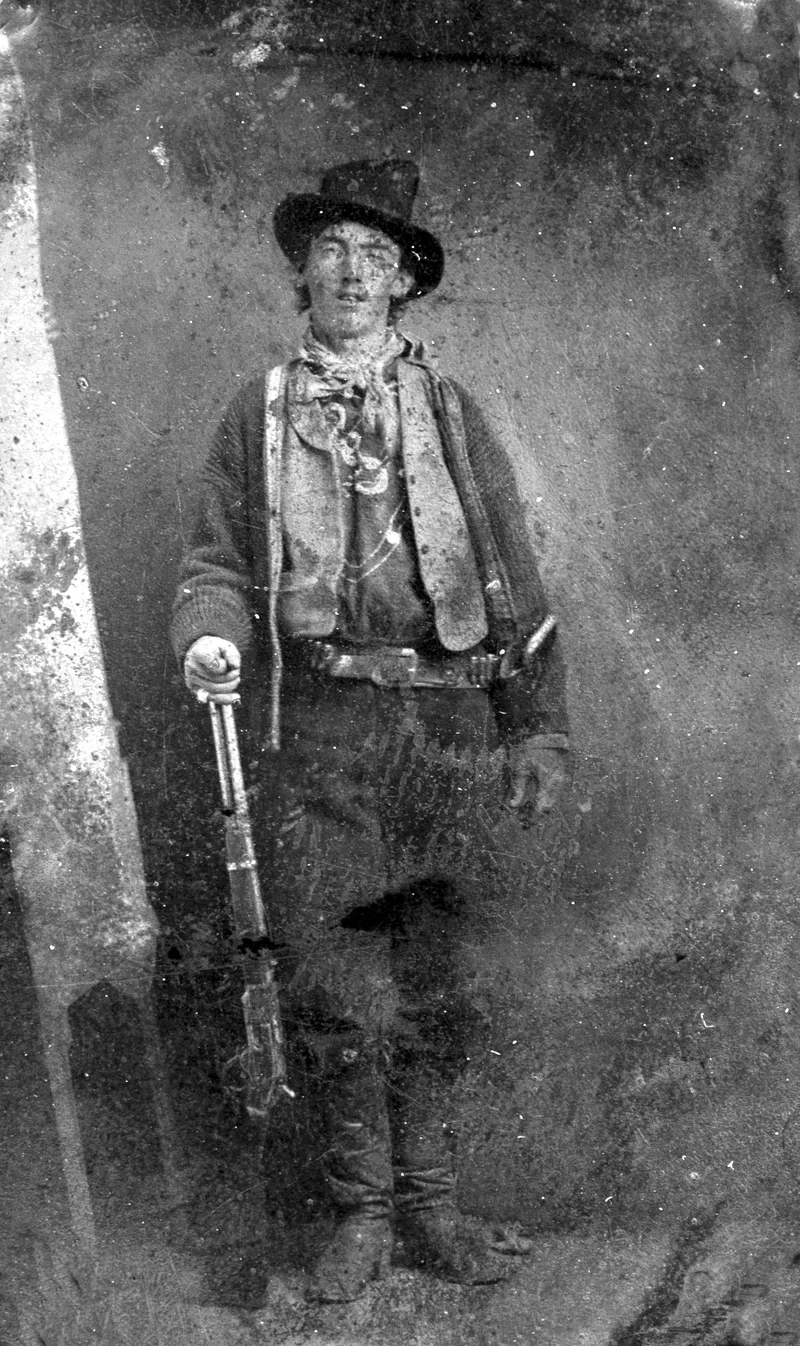
Original Image
Restore Old Photos Example

Upload an old or damaged image to be restored

Upload Image

Scaling to target format

15 Credits

Preview

Not registered yet?

Create a free account to unlock all features:

  • No watermarks on your images
  • Images are stored encrypted
  • Better quality results
  • 70 credits starting balance

What you can do with Restore Old Photos

Restore faded or damaged old photos with AI, improve image quality and details, and turn the restored result into an animated video if desired.

Use Restore Old Photos directly in your browser, adapt the available options to your project, and review the result before using it in your workflow.

How to use Restore Old Photos

Go from your idea to a finished result in three clear steps:

  1. 1

    Choose a file

    Upload a supported source file and check it before processing.

  2. 2

    Set your options

    Choose the model, quality, and other settings that fit your intended use.

  3. 3

    Create your result

    Run Restore Old Photos, review the generated image, and refine your input when needed.

One connected creative workflow

Works in your browser

No extra software to install—upload, configure, and start.

Purposeful control

Available parameters help you make deliberate choices about quality and output.

Refine quickly

Compare results and adjust your input or settings for the next run.

Frequently Asked Questions

What types of images can I restore and animate?
The tool is suitable for old family photos, historical images, faded pictures, damaged scans and images with pixel artifacts. It can enhance both black and white and color photos and automatically perform repairs. Restored images can then be animated into stunning videos.
How long do restoration and animation take?
Image restoration typically takes 15-30 seconds. Video animation requires an additional 30-60 seconds.
What image formats are supported?
The tool supports common image formats like JPG, JPEG, PNG, WebP and GIF. The restored image can be downloaded in your desired format (PNG or JPG). Videos are exported as MP4.
Can I see the quality before downloading?
Yes, after restoration you'll see a preview of the image. Credits are only charged once you're satisfied with the result. Animation can be ordered separately.
What does animation cost?
Image restoration costs 10 credits. Optional animation to video costs an additional 15 credits. You can restore the image without animating, but a restored image is required for animation.
What videos are created and how long are they?
The tool creates stunning 5-second videos with automatic animation effects. Videos are optimized for web and social media and exported as MP4 with good quality.
Can restored images and videos be used commercially?
Yes, all results created with our tool come with full usage rights, including commercial use. You own the images and videos.
Do I need an account for animation?
Yes, video animation is only available for registered users. Image restoration can be used by guests, but login is required for animation.

Related Tools

Further Reading

vlocal-dev