

Nano Banana
Replicate • Image-to-Image
Overview
The perfect Photoshop replacement
Availability in tools
Edit Image with Text
Primary model · Modify photos specifically through text commands
Costs and variants
- Standard: 16 credits
Available settings
- Output format
- jpg, pngDefault: jpg
Try On Clothes
Primary model · Change and try on different clothes on people in photos
Costs and variants
- Standard: 16 credits
Available settings
- Output format
- jpg, pngDefault: jpg
AI Makeup Try-On
Primary model · Preview makeup styles and color palettes on your portrait
Costs and variants
- Standard: 16 credits
Available settings
- makeupStyle
- natural, soft-glam, evening, editorial, no-makeupDefault: natural
- colorPalette
- warm, cool, neutral, rosy, bronzeDefault: neutral
AI Pet Transformer
Primary model · Turn your pet photo into creative characters and portraits
Costs and variants
- Standard: 16 credits
Available settings
- transformation
- human, action-figure, emoji-sticker, royal-portrait, professionDefault: royal-portrait
- mood
- friendly, playful, elegant, heroicDefault: friendly
AI Headshot Generator
Primary model · Turn a portrait into a polished professional headshot
Costs and variants
- Standard: 16 credits
Available settings
- headshotStyle
- corporate, creative, academic, startup, formalDefault: corporate
- background
- neutral-light, office, studio-gray, outdoor-softDefault: neutral-light
- outfit
- suit, smart-casual, blouse-shirt, keepDefault: suit
AI Room Makeover
Primary model · Redesign a room in a new interior style and color mood
Costs and variants
- Standard: 16 credits
Available settings
- roomType
- living-room, bedroom, kitchen, home-officeDefault: living-room
- roomStyle
- scandinavian, modern, japandi, industrial, boho, minimalistDefault: scandinavian
- colorMood
- warm-neutral, cool-neutral, earthy, colorfulDefault: warm-neutral
Photo to Coloring Page
Primary model · Convert photos into clean printable coloring pages
Costs and variants
- Standard: 16 credits
Available settings
- detailLevel
- simple, Medium, detailedDefault: Medium
- lineStyle
- bold, clean, intricateDefault: clean
- backgroundMode
- preserve, simplify, removeDefault: simplify
AI Tattoo Try-On
Primary model · Preview tattoo ideas on your body before committing
Costs and variants
- Standard: 16 credits
Available settings
- tattooStyle
- fineline, blackwork, traditional, geometric, watercolor, realisticDefault: fineline
- placement
- Automatic, forearm, upper-arm, shoulder, back, legDefault: Automatic
- tattooSize
- small, Medium, largeDefault: Medium
Prices apply to the listed variants on myai.art. Additional features and dynamically priced tasks may require more credits.
View credit packagesCompare alternatives
These figures compare available settings and prices on myai.art. Output quality depends on the subject and task.
| Model | Provider | Input | Output | Costs and variants |
|---|---|---|---|---|
| Nano Banana | Replicate | Image | Image | Edit Image with Text Standard: 16 credits |
| FLUX 1.1 Kontext Fast | Replicate | Image | Image | Edit Image with Text Standard: 7 credits |
| Pruna AI Image Edit | Replicate | Image | Image | Edit Image with Text Standard: 7 credits |
| FLUX Kontext Max | Replicate | Image | Image | Edit Image with Text Standard: 21 credits |
| FLUX Kontext Pro | Replicate | Image | Image | Edit Image with Text Standard: 15 credits |
Examples from our tools
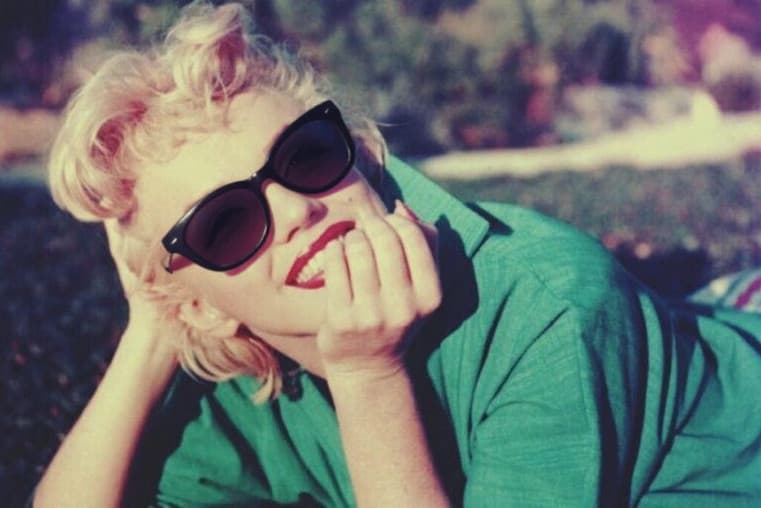
These published examples show the tool workflow. They are not attributed to a specific model and are not a model comparison.

Limits and practical guidance
Images can contain errors in text, hands and fine details. Edits can also change areas you intended to preserve. Check the result before use.